Product Features · Reports & Scoring
See the work. Track the progress.
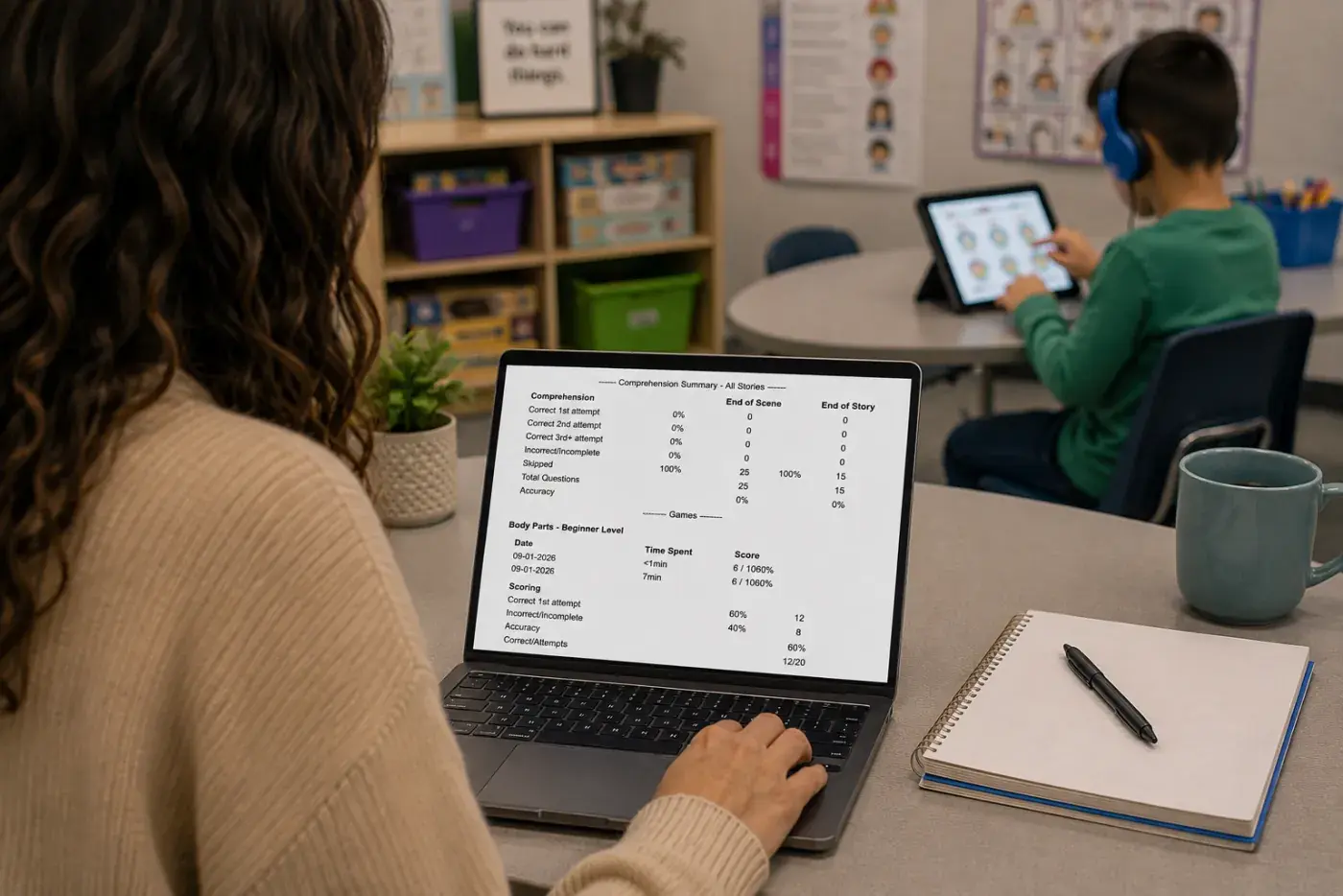
Built-in reporting captures student activity, comprehension, game performance, completed activities, developmental level, and time spent, giving educators and therapists useful data to document progress and support IEP conversations.
Built-in reporting · Student activity and performance in one place · measurable IEP progress
.webp)
What gets scored
Stories and games capture different measures of student performance, while activity tracking brings the work together in one clear record.
Social Stories
End-of-scene and End-of-story comprehension questions track how well each student understands and retains every lesson.
Games
Customizable scoring reports detail attempts, prompts, completion status, accuracy, and performance metrics for every game session.
Activity & time tracking
See which activities students complete, the developmental level used, and time spent, giving educators and therapists a clearer record of the work completed toward individual goals.

Reinforcers
Motivation made personal
Students see their own avatar celebrate with dozens of animated reinforcers featuring sports, hobbies, and other activities they enjoy. These personalized rewards keep students engaged and give them something to look forward to as they work through stories and games.
See Speech Kingdom in action
Get a personalized walkthrough of Speech Kingdom’s social stories, games, Curriculum Builder, and reporting tools, tailored to your needs.
Sign up for a demo15 minutes · no obligation · tailored to you